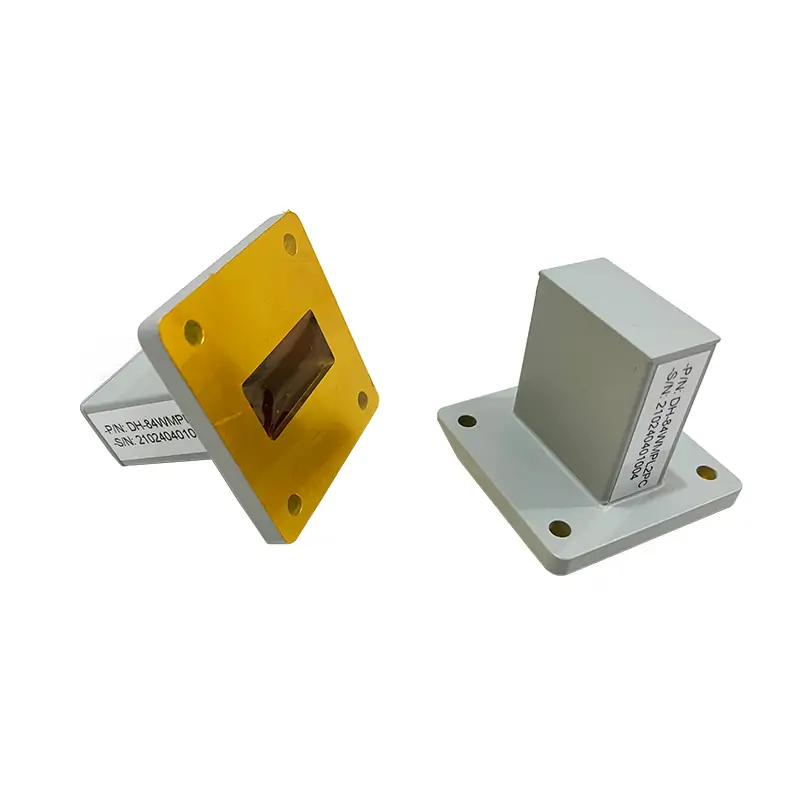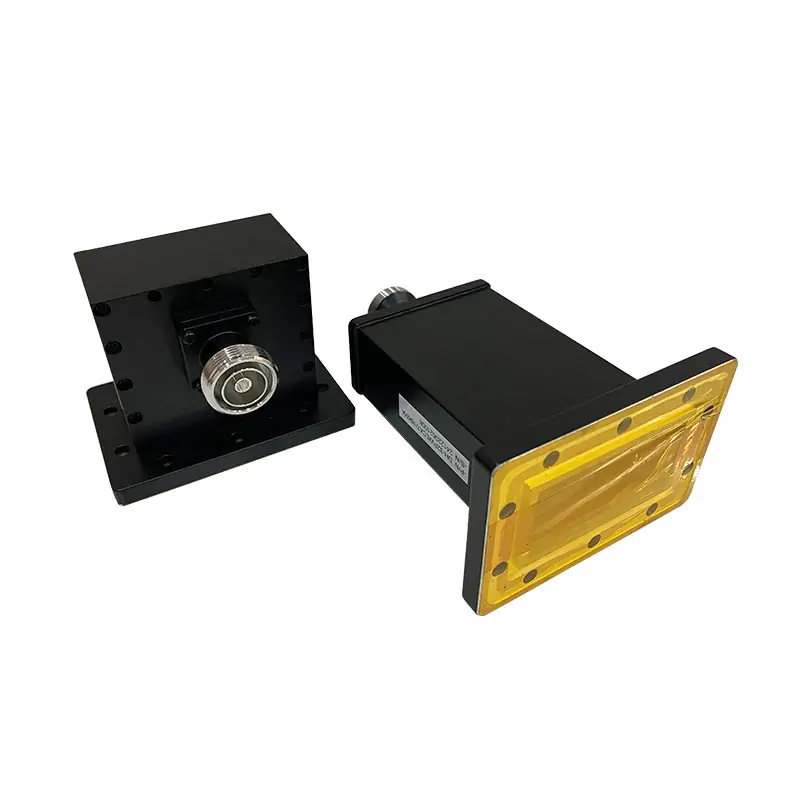
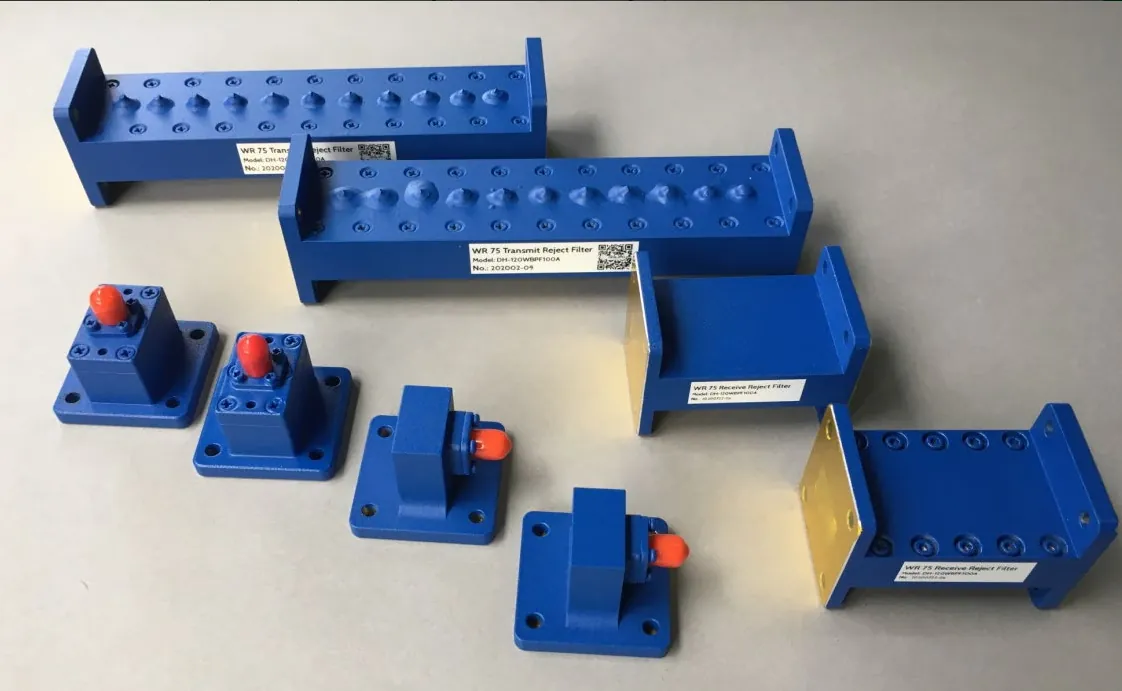
WR75 Waveguide Bandpass Filter
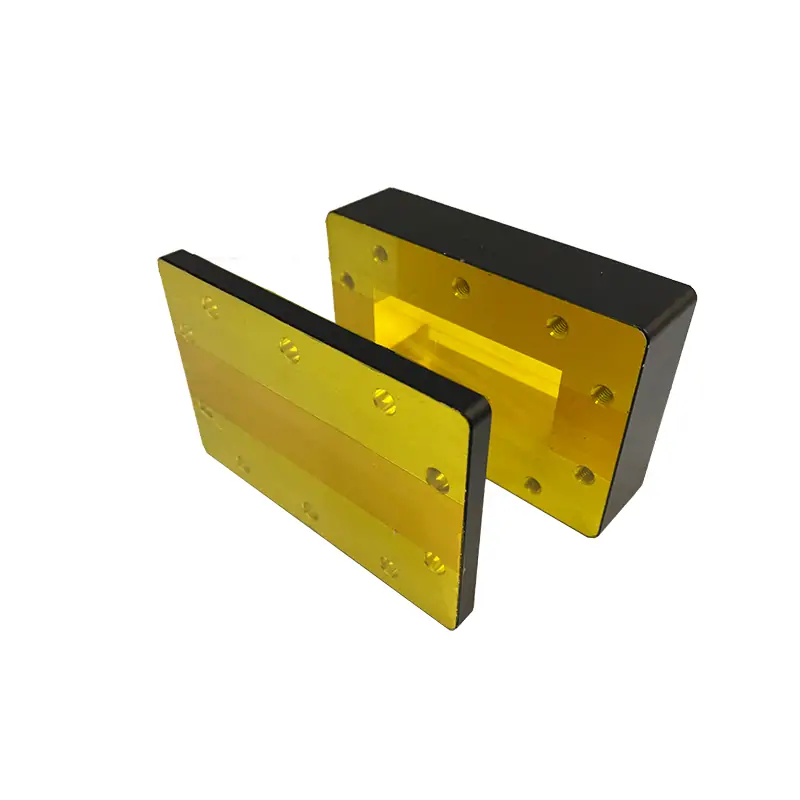
WR75 waveguide bandpass filters configured from the required passband, rejection bands, insertion loss, return loss, power, flange and mechanical envelope. Send the filter mask for engineering review.
Define the filter mask before confirming the WR75 build.
Dolph Microwave supplies WR75 waveguide bandpass filter configurations for a specified frequency mask. WR75 identifies the waveguide interface, not the filter passband. Confirm insertion loss, rejection, return loss, power and dimensions against the quotation and approved drawing before ordering.
Send the Filter MaskSend the details that control the final configuration
Passband
State both passband edges in GHz, maximum insertion loss across that band and allowed peak-to-peak ripple. Add group-delay limits if the signal requires them.
Rejection bands
List each stopband interval and minimum attenuation in dB. Identify whether rejection is absolute transmission loss or relative to a passband reference; include the transition regions between bands.
Loss and match
Specify minimum return loss or maximum VSWR at both ports over the passband. Return loss is positive: S11 = −20 dB corresponds to 20 dB return loss and about 1% reflected incident power.
Power and mechanics
Provide average and peak power, pulse width, duty cycle, source/load mismatch and temperature. Attach flange designations, available length, mounting holes and clearance for fasteners.
Do not release a filter from a center frequency alone.
The passband, transition regions, stopband rejection, power and physical envelope must be reviewed together. Attach a frequency mask or existing drawing when possible.
Define what the acceptance report must show.
Request measured S21 and port-match sweeps over the agreed passband and stopbands, with model or serial identification, test temperature and reference planes. Specify frequency resolution around narrow rejection points. Ask for a Touchstone file when the filter will be included in a system simulation.
Release documents
- Approved frequency mask with units and limit directions
- Drawing revision, flange details and port orientation
- Agreed power and environmental conditions
- Measured response, calibration reference and acceptance limits
Ask how the test setup separates the filter response from adapters and connecting waveguide. NIST’s waveguide calibration research evaluates dimensional and calibration uncertainties in measured scattering parameters; its WR15 study provides measurement methodology, not performance data for this WR75 filter.[1]
Check the measurement system’s usable dynamic range before accepting a deep-rejection result. A trace at the noise floor gives a measurement limit, not proof of the filter’s full attenuation. Agree on how results near an acceptance boundary will account for uncertainty.
Low-power network-analyzer data do not establish high-power suitability. Confirm the required power test or analysis separately, including pulse conditions, temperature and pressure where applicable. Do not infer peak-power capability from a CW rating.
Check the components at both filter ports
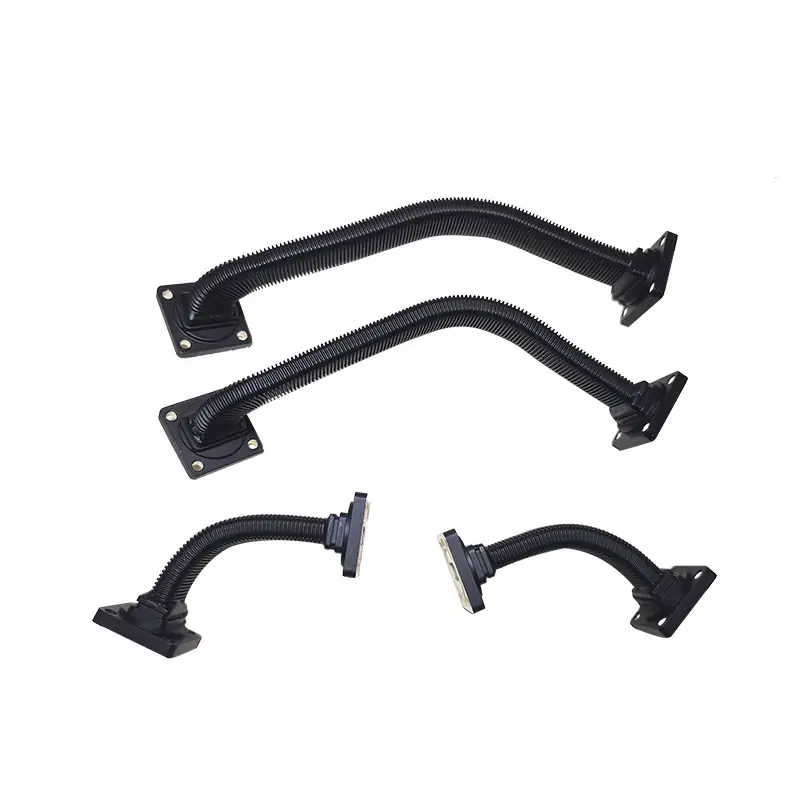
When the adjoining waveguide differs, confirm the transition’s operating band and both flange drawings. Include its loss and match in the assembled RF path.
Route the filtered RF path between operating states.
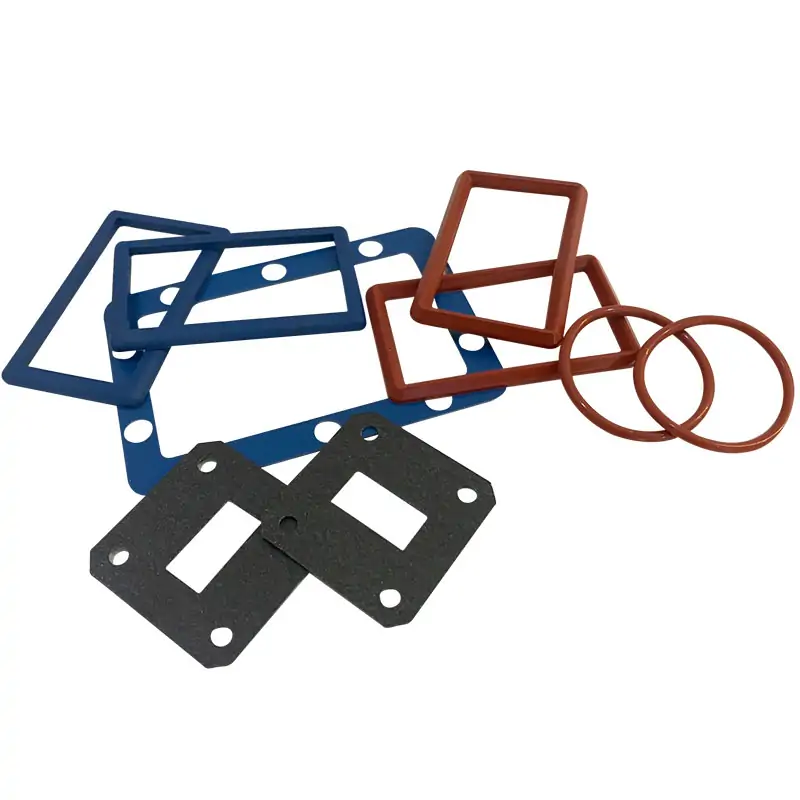
Specify rectangular WR75 sections with compatible flanges and sufficient clearance for assembly. A matching waveguide size alone does not confirm the bolt pattern or sealing arrangement.
Ready for a model check?
Send the frequency mask, power conditions, flange drawing, quantity and required test records. Mark any fixed installation dimensions so Dolph can assess the configuration and prepare a quotation.