+86 29 8881 0979

Waveguide Switches

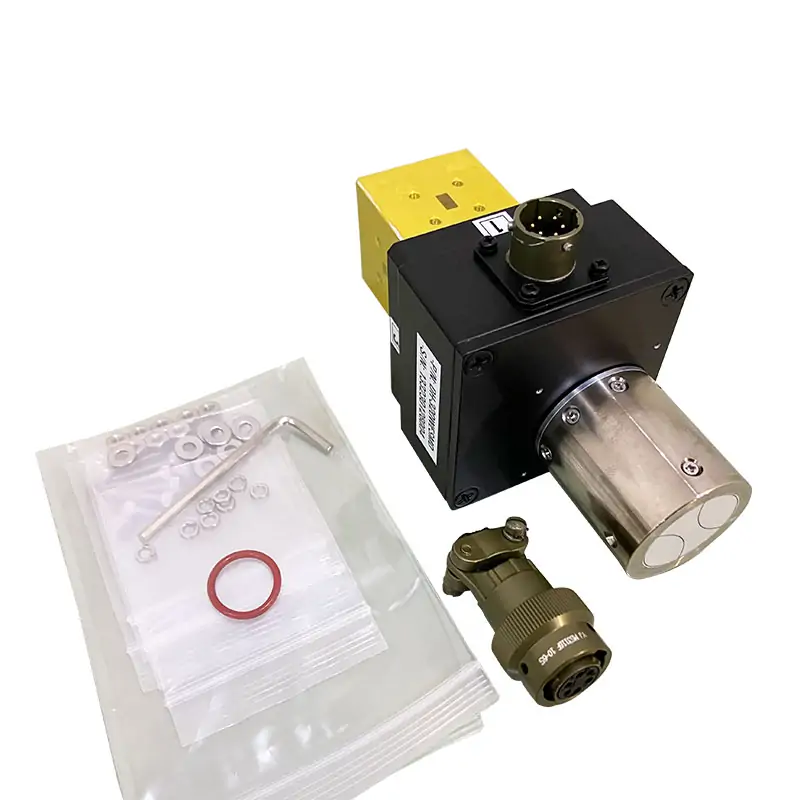
Manual and motorized waveguide switches configured by waveguide size, operating band, switching topology, flange interface and actuation requirements. Send the RF path and control details for review.

Dolph Microwave – Waveguide routing

Specify the RF path and actuation before choosing the switch.

Dolph Microwave supplies manual and motorized waveguide switch configurations for RF path routing. Exact frequency, isolation, VSWR, switching time and control details must be confirmed for the selected model or drawing.

Request Switch Review

Operation
Manual or motorized
RF path
Configuration-specific
Interface
Waveguide and flange pair
Control
Confirm before quotation
Configuration inputs

Send the details that control the final configuration

01

Waveguide size

Provide the waveguide designation and operating band.

02

Switch topology

State the required ports and RF routing states.

03

Actuation

Manual or motorized, including the required control method.

04

Flange and envelope

Mating flange, orientation and available installation space.

Numeric performance is confirmed against the selected switch configuration.

Send the RF path, actuation and environment together. We will not apply a family-wide isolation, VSWR or switching-time claim to every model.

Request Configuration Review
Engineering handoff

Include the control and fail-state requirement.

For motorized units, include control voltage/interface, switching logic and the required state after power loss. For manual units, include access and position requirements.

RFQ checklist

  • Waveguide size and operating band
  • Port count and switching topology
  • Manual/motorized actuation and control
  • Flange, envelope and environmental limits
Related RF path

Continue with the matching component family

Waveguide Transitions

Align different waveguide sizes or interfaces around the switch.

Double-Ridged Straights

Continue the RF path with drawing-controlled straight sections.

Quick-Release Joints

Add repeatable service access where required.

Ready for a model check?

Send the operating conditions and interface requirements. We will return the next technical step.

Start an RFQ
Scroll to Top
Blank Form (#3)